
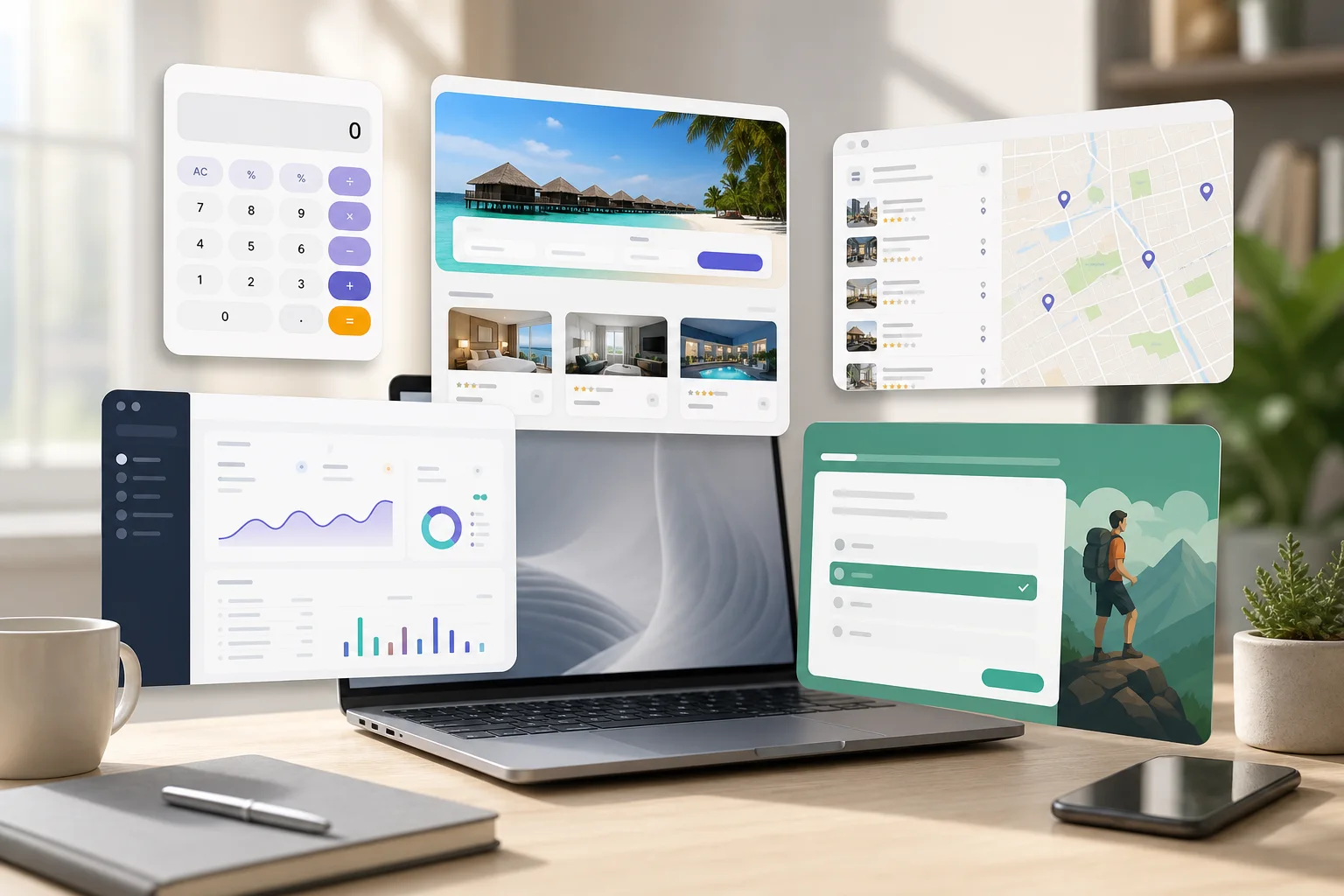
Quick answer: a consumer web app is a website that behaves like a useful app for everyday people. It can run in the browser, work on phones and laptops, and skip the app-store install step. For App9.org, that matters because this site is meant to become the public home for apps created with App9.co.
What makes a web app different from a normal website?
A normal website mostly presents information. A web app lets the visitor do something: calculate, save, compare, submit, filter, book, track, learn, or make a decision. The best consumer web apps feel small and specific. They solve one recurring problem without making the user download a native app first.
That is why vibe-coding and AI app builders are interesting for non-developers. The first useful version does not need to be a massive platform. It can be a browser-based tool with a clear promise, a small amount of data, and a public URL people can share.
21 consumer web app ideas worth building with AI
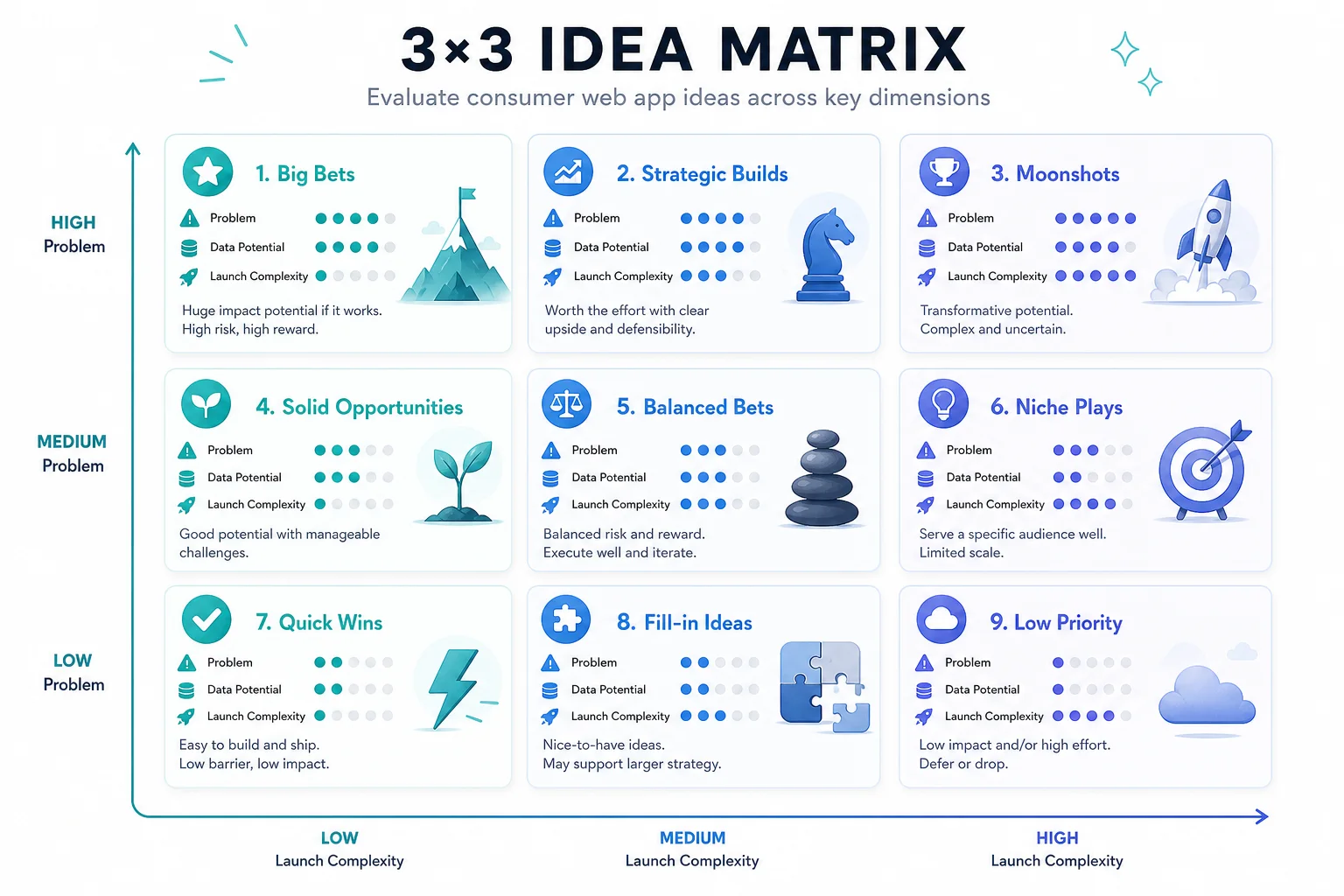
| Idea | User problem | Data needed | Launch complexity |
|---|---|---|---|
| Price comparison calculator | Which option is actually cheaper? | Inputs, formulas, optional saved scenarios | Low |
| Local service quote estimator | What will this job cost? | Service categories, rules, contact form | Low-medium |
| Booking request portal | Can I request a time without a phone call? | Availability windows, customer details | Medium |
| Neighborhood directory | Where can I find trusted local options? | Listings, categories, filters, maps | Medium |
| Meal or activity picker | What should I do right now? | Preferences, rules, history | Low |
| Home maintenance tracker | What should I remember to do? | Tasks, dates, reminders | Medium |
| Event RSVP mini-app | Who is coming and what do they need? | Guests, responses, notes | Low-medium |
| Simple customer portal | Where is my order/request/status? | Accounts, records, permissions | High |
| Learning quiz app | Can I practice this topic quickly? | Questions, answers, progress | Medium |
| Personal finance worksheet | Can I understand this money decision? | Inputs, formulas, saved cases | Low-medium |
The easiest first apps have three traits
- One clear user: “busy parents choosing a weekend activity” beats “everyone who wants recommendations.”
- One repeatable action: calculate, compare, submit, book, track, or decide.
- A small data model: a few tables or records are easier to launch than a sprawling social network.
Community discussions around no-code and AI builders often come back to the same theme: beginners do not usually get stuck on the first screen. They get stuck when the app needs data, accounts, deployment, domains, and real users. That is the gap App9.co is meant to reduce, while App9.org can show what the public-facing result looks like.
What should you build first?
Use this simple scoring rule: give each app idea one point for “I know the user,” one point for “the user can finish the task in under five minutes,” one point for “the first version needs fewer than five data types,” and one point for “I can explain the result in one sentence.” Start with the highest-scoring idea, not the most impressive idea.
Five web app patterns beginners should recognize
If you are new to AI app builders, it helps to think in patterns instead of one-off ideas. A calculator takes inputs and returns a decision. A directory organizes options so people can filter them. A portal lets a user see private or semi-private status. A tracker remembers progress over time. A generator turns user input into a useful output, such as a plan, checklist, or quote.
Those patterns are easier to build and test than a vague “new social network” or “marketplace for everyone.” They also map cleanly to data: calculators need formulas, directories need listings, portals need accounts and permissions, trackers need saved records, and generators need prompts or rules.
Web app or native app?
For a first consumer app, web usually wins. A browser app can be shared with a link, indexed by search engines, updated without app-store review, and tested with real users quickly. Native mobile apps can make sense later if the product needs device-level features, push notifications, offline behavior, or app-store discovery. But for most AI-built first versions, the fastest learning comes from a public web app.
A simple launch recipe
- Write the one-sentence promise: “This app helps [person] do [task] without [pain].”
- List the records the app needs to store.
- Build the smallest workflow that produces a useful result.
- Publish it at a normal web address.
- Watch where users get confused, then improve that one point first.
FAQ
Can a consumer web app make money?
Yes, but the business model should match the app. A calculator or directory may work with leads or ads. A portal may work with subscriptions. A generator may work with credits or paid exports. The important part is not adding payment too early; first prove that people want the result.
Do I need user accounts?
Only if the app needs to remember private user-specific data. A public calculator may not need login. A tracker, portal, saved dashboard, or paid tool probably does.
Where App9.org fits
App9.co is the builder. App9.org is the public home for consumer apps and examples made with it. If you are deciding what to build, use App9.org for inspiration and App9.co when you are ready to turn a plain-English description into a working app.